
A new rule takes effect on September 28, 2026 for VNeID, Vietnam's national digital ID issued by the government. If the mobile number used to register an account is no longer under the account holder's own name (chính chủ), the system will automatically lock that account. The basis is Decree 320/2026/NĐ-CP (an amendment to Decree 69/2024/NĐ-CP, which governs electronic authentication), reported by legal information site LuatVietnam on September 3. Since VNeID is also used for administrative procedures and bank identity verification during your stay, this isn't something residents and long-term business travelers can ignore. Checking whether your SIM is registered in your own name before the deadline will keep a lock from stalling your procedures.
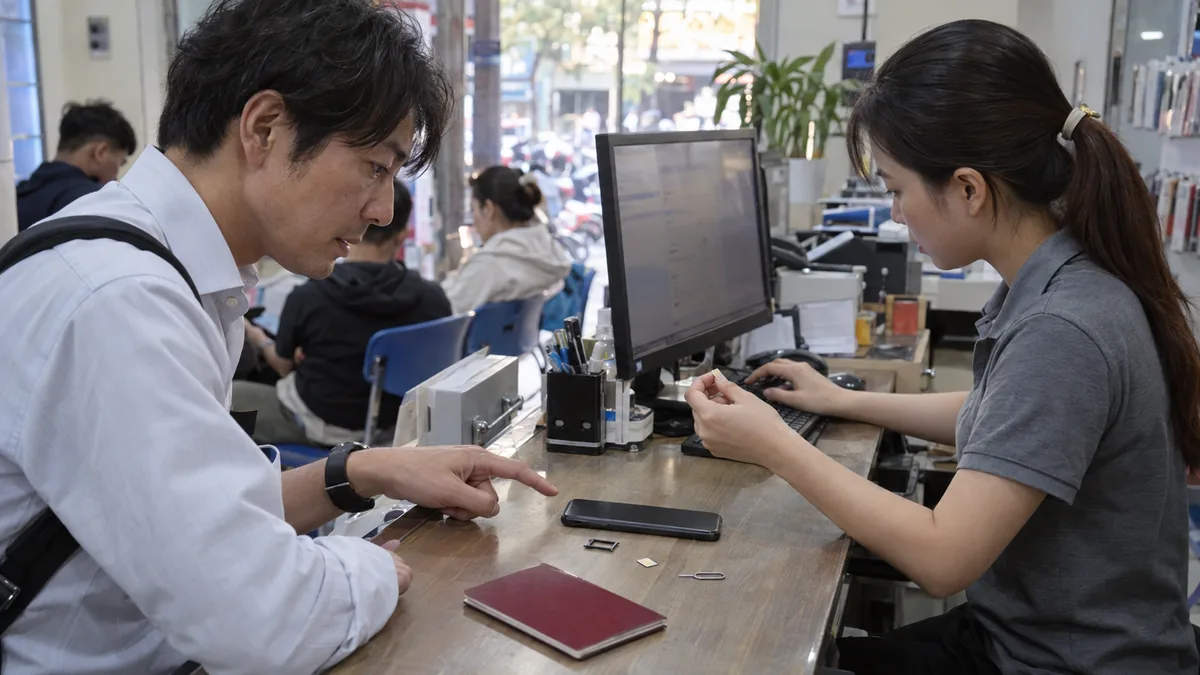
Auto-lock on September 28 if the registered number isn't in your own name
In short, this change suspends an account when the mobile number registered with VNeID doesn't match the SIM's contracted holder. This covers cases like canceling or changing your number, handing your SIM off to someone else, or registering a number that was contracted under a family member's or acquaintance's name from the start. Since the lock runs automatically once September 28 passes, it's realistic to get the check and any fix done before the rule takes effect.
A move to rebuild electronic authentication around SIMs registered in the holder's own name
In Vietnam, "real-name registration" (chuẩn hóa) — linking a mobile number to the contract holder's own identity information — has been rolled out in stages for several years. VNeID is a system that unifies the entry point to administrative services and financial transactions on top of these verified numbers. If a registered number stays under a third party's name, authentication using that number can no longer be confirmed as belonging to the account holder. This auto-lock is positioned as a measure to remove mismatched numbers from the authentication chain and prevent impersonation. Biometric identity verification, such as facial recognition, has also become mandatory for bank accounts, andthe move to complete biometric verification before an account gets frozensits in the same broader trend.
This affects people who've changed numbers or use a SIM registered to someone else
This mainly affects people in the following situations.
- Canceled or changed their phone number after registering with VNeID
- Handed off a SIM they were using to a family member or acquaintance, or are using a number they received from someone else
- Are still using a number under someone else's name, or one set up at a shop upon arrival, without updating the contract information
If you still hold the number you registered under your own name, no additional action is needed in principle. If you're not sure, it's a good idea to check your registered name against the following steps. Foreigners who contracted a SIM using their passport or residence information can check in the same way.
Steps to check your SIM's registered name
There are several ways to check whether your number is registered in your own name. The quickest is an SMS inquiry.
- In your SMS app, set the recipient to "1414"
- In the message body, type "TTTB", a space, and then your ID number (for foreigners, the passport number or other number used when contracting the SIM). Example: TTTB 001234567890 (ID number; for a passport, use the passport number)
- Send it, and you'll receive a reply listing the phone numbers registered under that identity information
- Check whether the number you registered with VNeID appears among the numbers in the reply
If your number shows up in the reply, it's registered in your own name. If the number you registered with VNeID isn't on the list, the name is likely mismatched, and you'll need to update your contract information (real-name registration) with the carrier.
You can also check through the app. Log in to VNeID, open "Ví" (Wallet), and go to the registered phone number section to see the number currently linked to your account. Carrier apps (such as My Viettel) also have a contract information or real-name registration section where you can check the status of your registered name. To check by phone, look up the official support number for your carrier (Viettel / MobiFone / VinaPhone) on their website and call.
How to fix a mismatched name
If checking shows the registered number isn't in your own name, there are two things to arrange before the effective date. One is updating the SIM contract for that number into your own name — either by visiting a carrier store with the contract holder's own ID, or through the real-name registration menu in the carrier's app. The other is replacing the number registered with VNeID with a number you currently hold in your own name. Either route works: once the registered number and the SIM's contract holder match, you're no longer subject to the auto-lock. If an SMS or app inquiry shows a number as "not on the real-name registration list," that's a case where the information is already in order and no further action is needed.
Frequently asked questions
What stops working if your account gets locked?
VNeID is used as the entry point for applying for administrative services and for bank identity verification. If your account is suspended, you won't be able to proceed with these online procedures. Checking and fixing your registered name before the rule takes effect is the shortest path to avoiding a suspension.
Does this apply to foreigners' VNeID accounts too?
The mechanism — authentication built on a phone number — is the same. If you contracted a SIM in Vietnam and registered it with VNeID, checking whether the contract holder's name matches the registered number, using the same steps, will give you peace of mind.
What if I don't know my ID number?
Use the number on the document you used when contracting the SIM (an ID card, or for foreigners, a passport, etc.). You can check it on your contract paperwork or in the profile section of your carrier's app.
If my account gets locked after the deadline, can it be restored?
Published materials don't spell out a specific procedure for unlocking an account after it's been locked. To avoid the setback of a suspension, we recommend checking before September 28.
Related procedures worth checking alongside this
VNeID's role in bundling documents and administrative services keeps expanding. Under the same Decree 320,206 types of documents integrated into VNeID no longer need to be resubmitted at government officesis also stipulated. On the foreigner side as well,the move to bundle various procedures under VNeIDis moving forward. While you're checking your number's registered name, it's worth also taking a look at which documents are linked to your VNeID — it'll make future procedures go more smoothly.
Summary
From September 28, 2026, a VNeID account will be automatically locked if the registered phone number isn't in the account holder's own name. There are two steps: first, send an SMS of "TTTB [ID number]" to 1414, or check through the VNeID app or your carrier's app whether the registered number is in your own name. If the name is mismatched, either update the SIM contract into your own name or replace the number registered with VNeID with one in your own name. The work itself takes only a short time. Checking once before the deadline will keep your procedures from stalling.